Ever hit print on a colorful model and been surprised when it came out looking nothing like your screen? Stop-motion studio LAIKA wants to make that surprise a thing of the past, at least for its artists.
A preview for printed color
Prague-based software developer Additive Appearance has signed an agreement with LAIKA to add its PrismSlicer renderer to the studio's 3D printing toolkit. The software estimates how color and translucency will look in a PolyJet print before anything is actually made. PolyJet printers jet tiny droplets of liquid resin and cure them with UV light, and they can blend colors and clear or soft materials in a single part.
Why it matters for faces
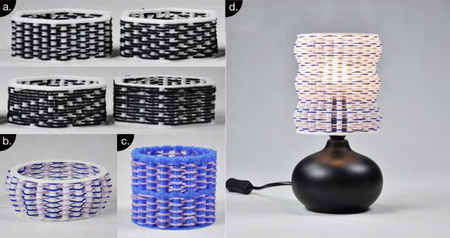
Stop-motion characters often swap in many printed faces, so every expression has to look right under studio lights. Skin is not one flat color: light passes partway into it and scatters, which is why translucency matters so much. Seeing a realistic estimate on screen first means fewer wasted test prints and faster decisions for artists.
How to borrow the idea at home
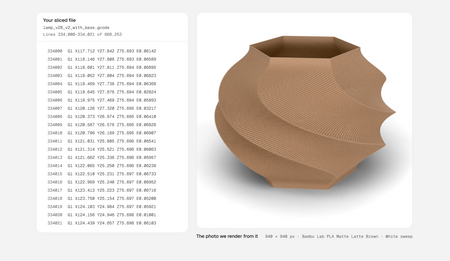
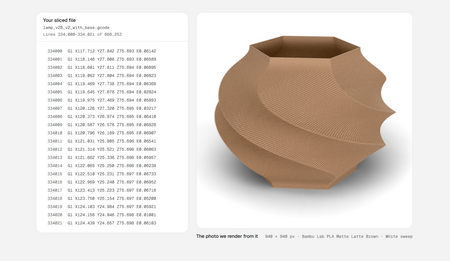
You do not need a studio budget to preview before printing. Slice your model and scrub through the layer view to spot gaps, print a small test swatch of your filament to check color and how much light shines through, and run a quick low-detail draft before the final version. Treat the preview step as cheap insurance, because a failed print costs far more than a few minutes of checking.
Try it on your printer
Ready to put this into practice? Browse printable models, guides and maker-tested ideas at Flarelab, pick something with fine detail, and try a small test print first.
Frequently asked questions
What is PrismSlicer?
PrismSlicer is a renderer from Prague-based Additive Appearance that estimates how the color and translucency of a model will look once it is printed on a PolyJet-style printer.
What is PolyJet printing?
PolyJet is a process that jets tiny droplets of liquid photopolymer and cures them with UV light. It can mix colors and soft or clear materials in one part, which is why it suits detailed faces and figures.
Why preview a print before making it?
Printed color rarely looks exactly like the screen. A preview helps you catch muddy colors or see-through patches before spending hours and material on a full print.
Can I preview color on a hobby printer?
Not with this exact tool, but you can print small test swatches, a quick tower or a single-color draft to check shape and surface before committing to your final filament.
Inspired by reporting from 3D Printing Industry. Rewritten by Flarelab for beginners.